Unify Five Systems in Your HR Compliance Dashboard Before an Audit

An HR compliance dashboard centralizes training records, certifications, obligations, and audit evidence into one live view, so compliance teams catch expiring credentials and coverage gaps before they become fines. It typically pulls from your HRIS, learning management system, and payroll to generate automated alerts and audit-ready reports on demand. The rest of this guide covers the KPIs worth tracking, the features that separate a real tool from a glorified spreadsheet and a practical path to building one.
TL;DR:
- A compliance dashboard’s accuracy depends on standardized data models and consistent source system definitions to prevent discrepancies during audits.
- Monitoring KPIs such as expiring certifications and overdue corrective actions with appropriate lead times helps predict risks before violations occur.
- Automation features like alerts, obligations register, role-based views, and audit exports are critical to maintaining timely and defensible compliance reports.
- Building an effective dashboard involves mapping stakeholders, standardizing data, prioritizing key integrations, and testing with risky data sets first.
- Training record management systems like Certicerts ensure real-time, accurate credentials tracking and offline verification, reducing audit failures.
Table of Contents
- What Is an HR Compliance Dashboard and How Does It Work?
- Which KPIs and Status Indicators Actually Matter?
- What Features Should You Look for in Compliance Dashboard Software?
- How Do You Build an HR Compliance Dashboard?
- What Do Auditors Actually Expect From Your Reports?
- Perspective: What Certicerts Gets Right About Dashboard-Ready Compliance
- Where to Go Deeper on Compliance Reporting
- Get Your Training Records Audit-Ready With Certicerts
- Sources
What Is an HR Compliance Dashboard and How Does It Work?
Most compliance failures don’t come from bad intentions. They come from data scattered across five systems that never talk to each other. An HR compliance dashboard fixes that by pulling records from every relevant source into one place where a status update in one system doesn’t get missed in another.
The data typically flows in from:
- HRIS for employee status, role, location, and department
- LMS for course completions, certification dates, and recertification schedules
- Payroll for hours worked, classification, and tenure
- Timekeeping systems for shift patterns tied to certification requirements
- Incident logs for safety events, complaints, and corrective actions
- Third-party contractor records for external workers who still fall under your compliance obligations
The part teams underestimate is the data model underneath the visuals. You need one field naming convention across every system, a defined “single source of truth” for each data point (payroll owns tenure, LMS owns training status), and a data lineage trail showing where each number originated and when it last updated. Skip that groundwork and your dashboard becomes another place to be confidently wrong.
Which KPIs and Status Indicators Actually Matter?
Not every metric deserves a spot on the dashboard. The ones worth tracking are the ones that predict risk before it turns into a citation, a lawsuit, or a failed audit.
A well-built compliance status dashboard uses RAG (red/amber/green) status against each metric, with thresholds set by how much lead time you need to fix a problem before it becomes urgent.
| KPI | What it tells you | Typical RAG trigger |
|---|---|---|
| Training completion rate | Percent of assigned training finished on time | Amber under a recommended completion rate threshold, red under a critical completion rate threshold |
| Expiring certifications | Who loses credential status soon | Amber at a moderate lead time before expiry, red at a critical lead time before expiry |
| Mandatory assignment coverage | Whether every eligible employee has the right training assigned | Red if any eligible employee lacks required training assignment |
| Overdue corrective actions | Open items past their resolution date | Amber when corrective actions are moderately overdue, red when significantly overdue |
| Incident closure time | Average days to close a logged incident | Amber when incident closure times are elevated, red when incident closure times are critically high |
| DEIA representation snapshots | Workforce composition trends against goals | Reviewed quarterly, not RAG-scored |
Different audiences need different slices of the same data. HR operations wants the granular, department-level view for daily triage. Legal wants defensible evidence trails, not dashboards full of color. Executives want a five-metric summary and a trend line, reviewed monthly rather than daily.
Pro Tip: Set your amber threshold at the point where a fix still takes less effort than an audit response. If remediation and crisis response take the same amount of work, your threshold is too tight and everyone will start ignoring the alerts.
What Features Should You Look for in Compliance Dashboard Software?
The market is full of tools that look sophisticated and do almost nothing you actually need. Before comparing vendors, decide which features are non-negotiable.
- Obligations register that lists every regulatory and contractual requirement, tied to an owner and a due date
- Automated alerts that fire before expiration, not after
- Role-based views so an HR generalist and a general counsel see different slices of the same underlying data
- Audit export that produces a clean, timestamped package without manual reformatting
- Secure evidence attachments for signed acknowledgments, certificates, and incident documentation
- Offline or QR-based verification for credentials that need to be checked in the field, not just in a browser tab
Integration cadence matters more than most buyers realize. A dashboard that syncs nightly through APIs or SFTP feeds is fine for most compliance windows; anything relying on manual CSV uploads once a month will quietly drift out of date and create the exact discrepancies auditors flag.
There’s also a real trade-off between cloud-hosted platforms and local-first architecture. Cloud tools offer easier remote access; local-first tools give you direct control over where sensitive employee data lives, which matters more the more regulated your industry is.
How Do You Build an HR Compliance Dashboard?
Building a working dashboard doesn’t require a six-month IT project. It requires sequencing the work correctly.
- Define scope and map stakeholders. Identify who owns each compliance category (HR ops, legal, safety, department heads) before touching any tools.
- Build the obligations register first. List every training requirement, certification, and regulatory obligation with an owner and deadline attached.
- Standardize field names across source systems so “hire date” in your HRIS matches “start date” in payroll.
- Prioritize your integrations, starting with the two or three systems that carry the highest-risk data.
- Import sample data and validate it against known records before trusting the automated feed.
- Set your RAG thresholds based on realistic remediation timelines, not arbitrary round numbers.
- Pilot with one business unit for a full reporting cycle before rolling out company-wide.
- Set a reporting cadence, retention policy, and remediation workflow so flagged items have a defined path to resolution.
Low-code platforms and prebuilt dashboard templates can shortcut the build phase considerably, letting you connect a sample HRIS export and iterate with stakeholders before committing to full integration.
Pro Tip: Run your pilot with the messiest data set you have, not the cleanest one. If the dashboard survives your worst department’s record-keeping habits, it’ll survive everywhere else.
What Do Auditors Actually Expect From Your Reports?
An auditor doesn’t want a pretty dashboard. They want a defensible trail showing what was true, when it was true, and who was responsible for keeping it that way.
That means every report needs:
- Timestamps on every data point, not just the export date
- Evidence attachments (signed forms, certificates, training records) linked directly to the relevant obligation
- Owner fields identifying who is accountable for each item
- Version history showing what changed and when, rather than a single overwritten snapshot
Auditors specifically flag misaligned snapshot dates and inconsistent field definitions between HR and payroll systems as a common source of reporting failures, so coordinating those definitions across departments before an audit request lands is worth the meeting time it costs.
For export formats, PDF packages with embedded timestamps work well for point-in-time audits; structured CSV or API exports work better when a regulator wants to run its own analysis — as explained in detail in this Safety and compliance documentation guide. Either way, building a reporting calendar tied to real regulatory deadlines, rather than an internal fiscal calendar, keeps your evidence packages ready before they’re requested rather than assembled in a panic after.
Governance is what makes all of this sustainable. Assign a named owner to each obligation category, set escalation triggers for anything that goes red, and revisit your regulatory change log quarterly so new requirements don’t slip through unnoticed.

Perspective: What Certicerts Gets Right About Dashboard-Ready Compliance
Most compliance dashboard advice treats the dashboard as the product. It isn’t. The dashboard is only as good as the training records, certifications, and evidence feeding it, and that’s the layer most teams neglect while they shop for visualization software.
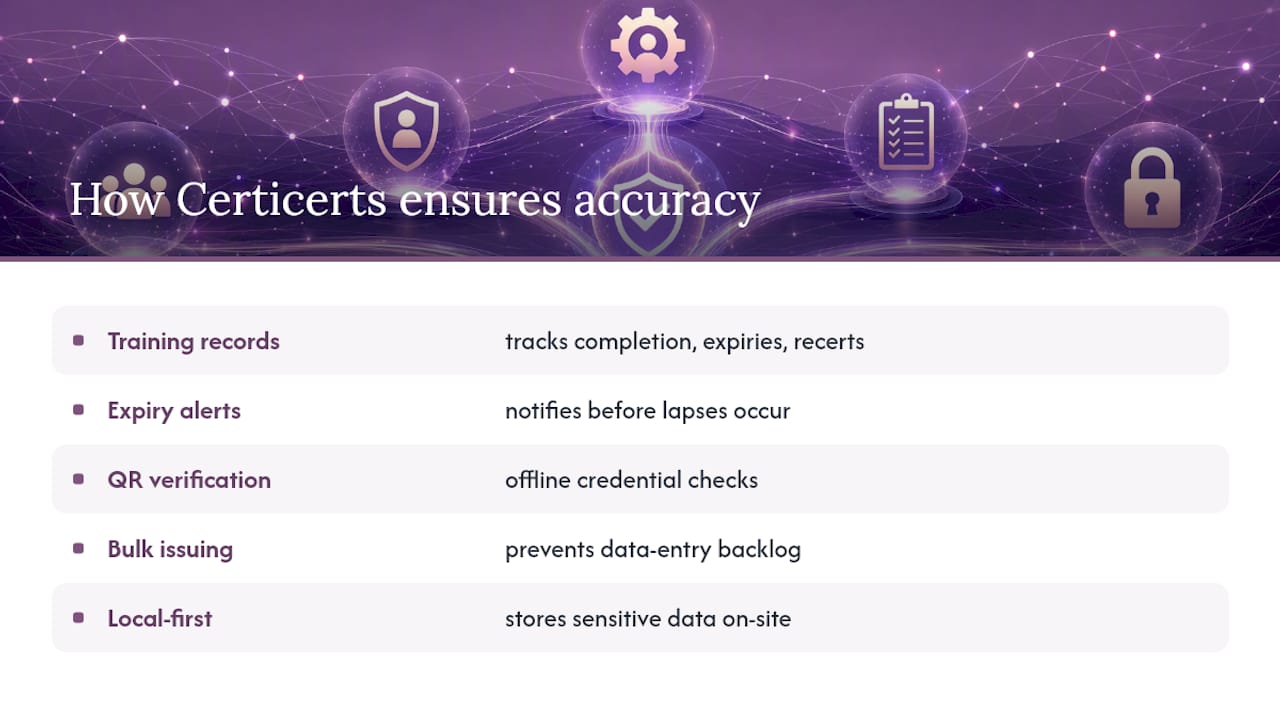
This is where Certicerts earns its place in the conversation rather than just getting mentioned as an afterthought. Its training record management tracks completion dates, expiries, and recertification schedules at the source, so the compliance numbers rolling into your dashboard are accurate instead of stale. Expiring certification alerts catch lapses before they become the red status nobody wanted. QR verification lets an auditor or site supervisor confirm a credential’s authenticity offline, which matters more than it sounds like it should when you’re standing on a job site with no signal. Bulk issuing keeps large training events from becoming a data entry backlog, and every certificate generated feeds directly into audit-ready reporting.
The local-first architecture is worth taking seriously too. Keeping sensitive employee data on infrastructure you control, rather than someone else’s cloud, is a real advantage for organizations handling regulated workforce information.
— James
Where to Go Deeper on Compliance Reporting
For hands-on templates and frameworks referenced throughout this guide, start with Absorb LMS’s compliance reporting best practices for centralization strategy, Accountable’s KPI and template library for obligations registers and tracker templates, and Certicerts’s own guide on training gap analysis for identifying coverage holes before they hit your dashboard.
Get Your Training Records Audit-Ready With Certicerts
The gap between a compliance dashboard that looks good and one that actually holds up under audit usually comes down to what’s feeding it. Certicerts closes that gap at the source: training records, certifications, and wallet cards generated and tracked in one local-first system you control, with expiring credentials flagged automatically and QR verification that works even offline.
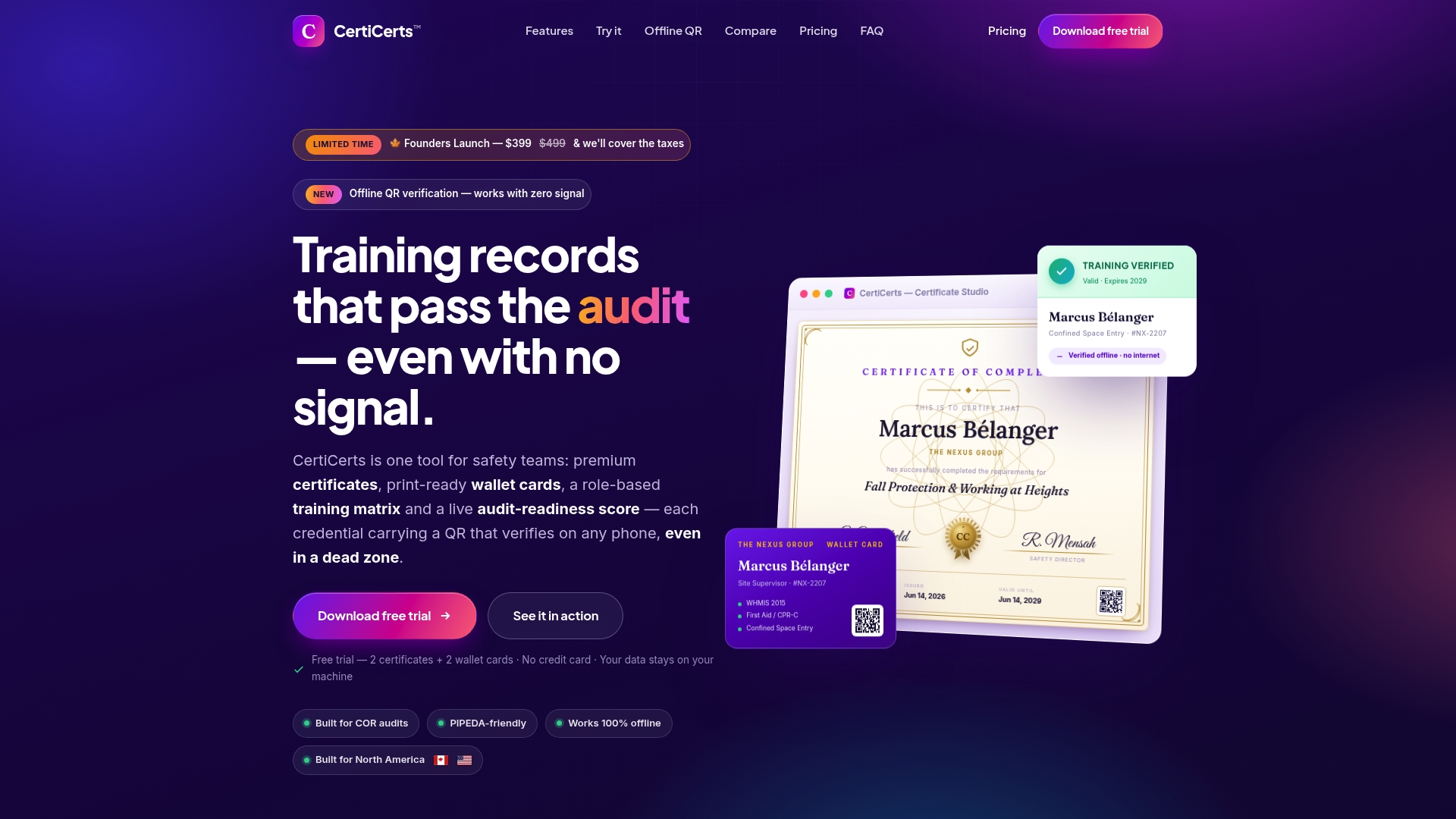
If you’re managing training compliance across a workforce, a training matrix built on accurate underlying records beats any spreadsheet stitched together from five departments. Certicerts fits safety teams, HR departments, training providers, and compliance managers who need certificate generation, record tracking, and audit-ready exports without handing their data to a cloud vendor they don’t control. Start with the free trial at Certicerts and issue your first certificates to see how the record-keeping layer holds up before you build your next dashboard on top of it.
Sources
- Compliance Monitoring and Reporting: Steps, KPIs, and Templates
- The HR Compliance Checklist Every Employer Needs in 2026
- Defensible Decisions: How to Prepare for 2026 Compliance Reporting Deadlines - Ogletree