Top 5 Skills Matrix Software Alternatives 2026

Tracking workforce certifications across multiple locations and job roles is unreliable when paper records or spreadsheets are out of date. Certification management software often requires uninterrupted internet, lacks real-time integration, or needs complex setup. This article compares five workforce certification platforms so safety managers and HR teams can pick a system that matches their needs and budget.
Table of Contents
CertiCerts
At a Glance
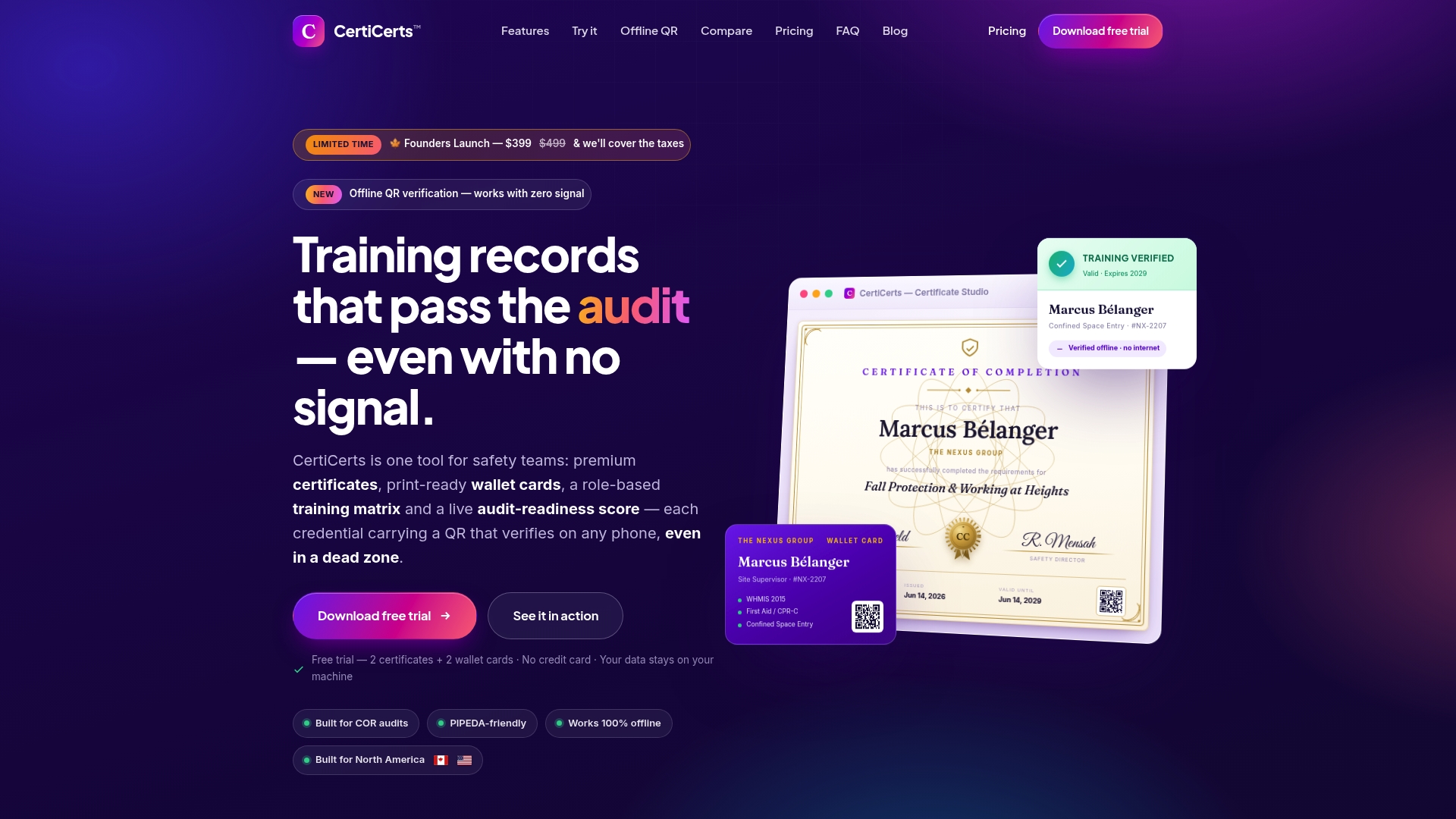
Certificate QR codes embed full training records and an authenticity code that verifies without internet. The vendor advertises a focus on COR audits and PIPEDA compliance for North American construction and industrial teams. CertiCerts runs as a local-first Windows desktop application, so teams retain local data ownership and can operate offline.
Core Features
CertiCerts combines QR verification, certificate and wallet card design tools, and a training matrix that tracks mandatory and optional credentials. The app supports bulk issuing, an audit mode for documentation, and a template library for print-ready certificates and cards. Local-first architecture keeps records on premises while optional cloud features are planned.
Key Differentiator
Certificates carry QR codes that store complete training records plus an authenticity code, enabling verification in no-signal zones.
Pros
Offline QR verification keeps crews verifiable on remote sites, reducing friction during field checks and audits. Local data storage gives safety teams direct control of backups and exports. The template library and bulk issuing cut the repetitive work of event certificate generation and wallet card production.
Cons
- Limited platform support: CertiCerts currently runs only on Windows, excluding macOS and Linux shops.
Who It’s For
Safety managers, safety consultants, and contractors in North America who need offline and verifiable certification workflows will benefit most. Teams that run COR audits or operate in remote locations gain the most from offline QR checks and local data control. Organizations that require multi platform support may need a different option.
Unique Value Proposition
A local-first Windows desktop app with batch issuing and wallet card outputs lets teams issue and verify credentials without cloud dependency. The vendor lists a one-time perpetual license starting at $399 CAD, which shifts costs from recurring fees to an upfront purchase and optional certificate credit packs.
Real World Use Case
A construction safety manager generates certificates and matching wallet cards before sending crews to remote sites with no cellular signal. Inspectors scan QR codes on site and receive a full, verifiable record from the wallet card without needing internet access. The system also produces compliance reports for auditors after events.
Pricing
Pricing starts at $399 CAD for a one-time perpetual desktop license. The vendor lists additional certificate packs and subscription plans for team features and cloud sync as planned future options.
Website: https://certicerts.com
MuchSkills
At a Glance
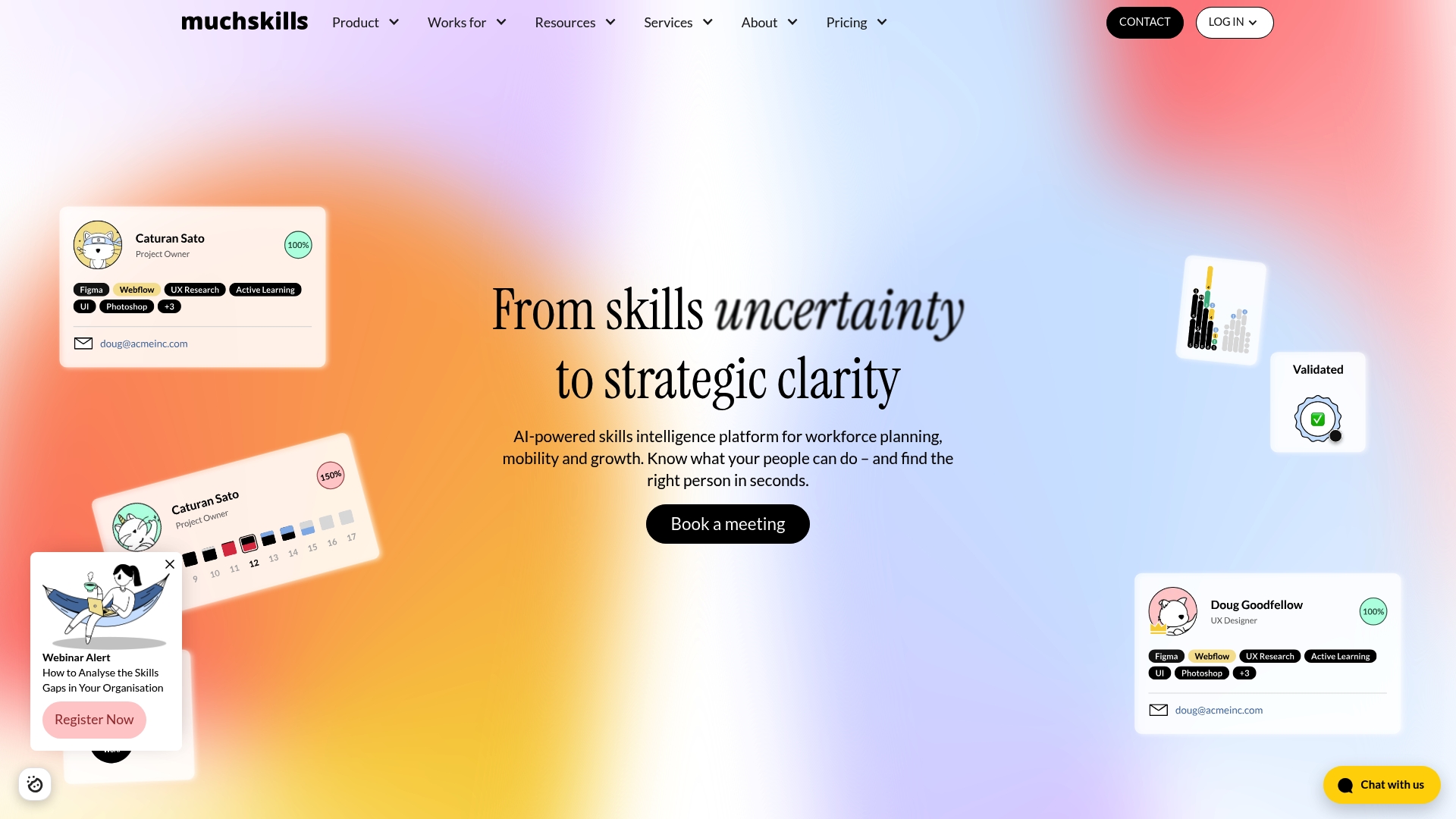
MuchSkills lists pricing starting at €5 / $5.5 per user/month for its Starter plan. The platform combines an AI skills taxonomy with live HR and project data to deliver near real-time workforce skills visibility. That combination targets teams that need fast answers about who can do which work.
Core Features
MuchSkills provides a defined skills taxonomy and tools to map skills across your workforce, which helps you spot gaps and overlaps. The platform offers strategic skills reports and planning features for headcount forecasting and internal mobility. It also supports talent matching and ongoing skills management tied to live data sources.
Key Differentiator
MuchSkills centers its product on an AI-powered skills taxonomy and connections to live systems. This design lets reports refresh as source systems update, so talent searches and gap analyses use current records rather than static snapshots. That focus makes skills data more actionable for mobility and planning decisions.
Pros
MuchSkills’ marketing materials state 5-star ratings on review sites. The product groups skills into a consistent taxonomy, which reduces guesswork when managers search for talent. Its integration suite covers core HR systems and project tools, so skills import and synchronization work without manual CSVs. Flexible pricing tiers allow small teams to start with basic features and larger organizations to move into enterprise options when needed.
Cons
- Setup and integrations can be complex and require dedicated onboarding or technical resources.
- Pricing may be substantial for smaller organizations seeking full enterprise capabilities.
- Customization options have limits, so highly bespoke skills models may need supplementary development.
When It May Not Fit
If your organization lacks internal IT or integration support, MuchSkills may demand more resources than you planned. Small teams with minimal budget may find advanced tiers costly. If you require highly customized skills taxonomies beyond the product limits, you may need a custom implementation.
Notable Integrations
MuchSkills integrates with BambooHR, CatalystOne, DayForce, HiBob, Jira, Microsoft AD, and Microsoft Dynamics. The integrations array also lists the combined string “Personio”,“SAP SuccessFactors”,“WorkDay”,“Zoho Projects” as provided by the vendor. These connections support importing employee records, project assignments, and directory information.
Who It’s For
HR, learning and development, talent acquisition, and transformation teams that want skills based workforce planning will get the most value. Organizations running multiple HR or project systems will benefit from the live integrations. Regulated organizations that track certifications and compliance will find the reporting useful.
Real World Use Case
A large consulting firm uses MuchSkills to find internal staff for client projects. Live links to HR and project systems cut search time and reduce bench periods. Managers match skills and availability without waiting for manual roster updates.
Pricing
Pricing starts at €5 / $5.5 per user/month for the Starter plan. Higher tiers unlock additional features and customization options. Enterprise deployments require a custom quote.
Website: https://muchskills.com
CheckSafe
At a Glance
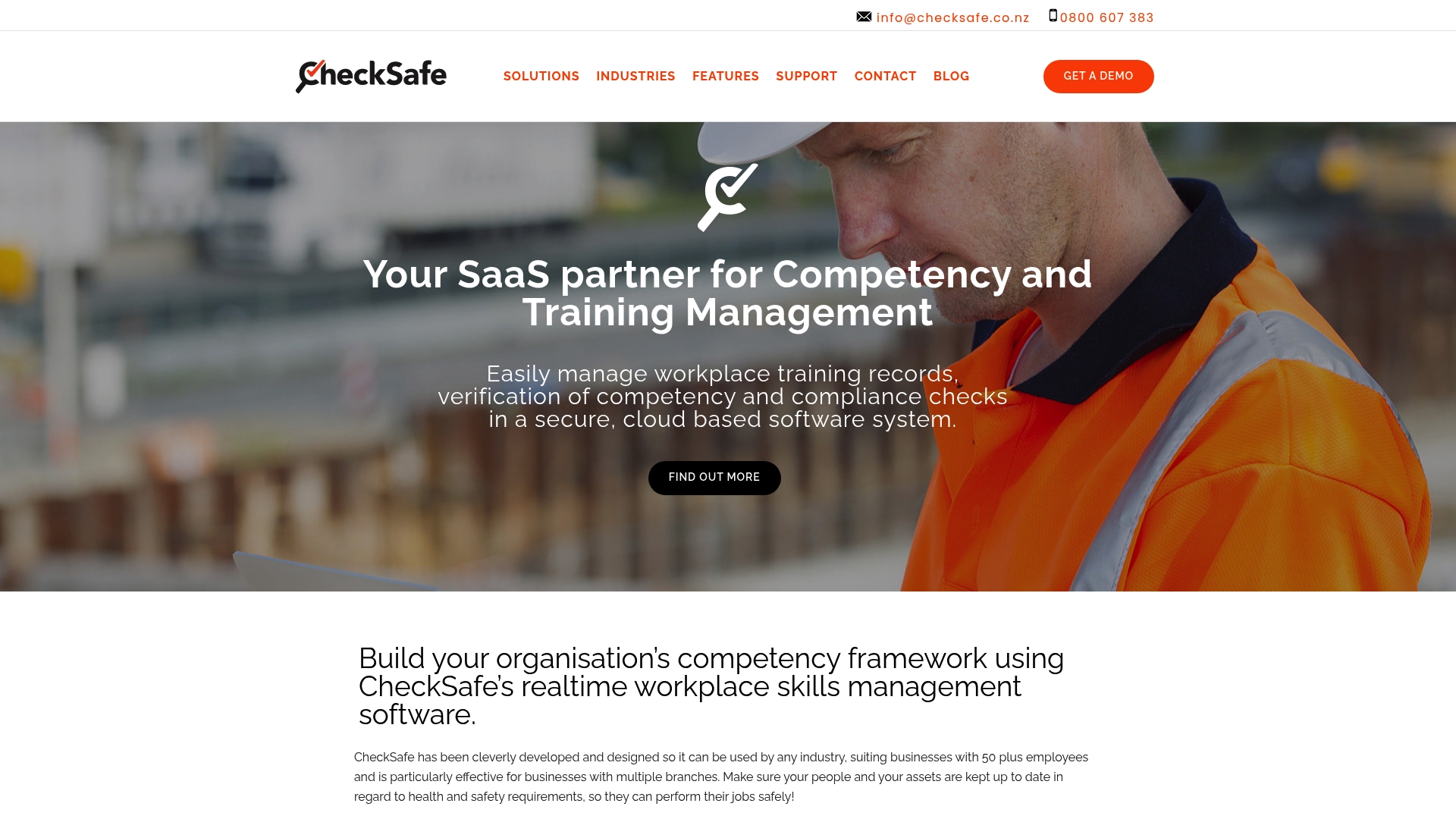
It centralizes training records, safety events, assets, and competency frameworks in a single cloud based system accessible across multiple devices and sites. CheckSafe focuses on safety and compliance for industries such as construction, manufacturing, transportation, and logistics. The system emphasizes real time visibility and configurable assessment structures to track workforce qualifications.
Core Features
CheckSafe offers a real time centralized system for training, competencies, asset records, and safety events that supervisors can access from the field. Administrators can build customizable competency frameworks and assessments to match company rules or regulatory requirements. The platform tracks certifications, schedules reviews with automatic reminders, and provides visibility across multiple locations.
Key Differentiator
The product stands out for its combination of configurable competency frameworks with live tracking and multiple device access. That mix lets teams adapt assessment structure quickly while supervisors monitor certification status from phones and desktops. This focus on tailored frameworks plus field access positions CheckSafe for organizations that need policy alignment and on the go oversight.
Pros
CheckSafe consolidates training, safety, and asset information into one place, reducing the need for separate spreadsheets and paper systems. Its customizable competency frameworks let you map assessments to specific job roles and regulatory rules. The platform supports multiple locations, so regional managers see standardized data across sites, and automatic reminders reduce missed renewals.
Cons
- Initial setup and customization require time or vendor support. Expect configuration work for frameworks and assessment templates.
- The system relies on internet access for real time updates. Offline situations limit immediate syncing and visibility.
- Integrating with complex in house systems may be challenging depending on existing infrastructure.
When It May Not Fit
If your operations run largely offline or on isolated networks, CheckSafe will not deliver full real time value. Organizations that need immediate offline issuing and verification without periodic internet access should look elsewhere. Small single site teams with minimal configuration needs may find the initial setup heavier than necessary.
Who It’s For
Mid sized and large businesses with multiple branches or sites responsible for workforce training, safety, and compliance. Safety managers, training coordinators, and operations leaders in construction, manufacturing, transportation, and logistics will find the platform useful. Organizations that need standardized assessments across locations will gain the most.
Real World Use Case
A civil construction company uses CheckSafe to manage safety training and certification across several sites. Field supervisors check certification status on mobile devices, and central administrators run reports on expiring credentials. The system helps keep crews compliant and gives leaders a single source for audit evidence.
Pricing
Pricing is not publicly listed. Contact CheckSafe for a tailored quote based on business size, number of sites, and required customization.
Website: https://checksafe.co.nz
Certemy
At a Glance
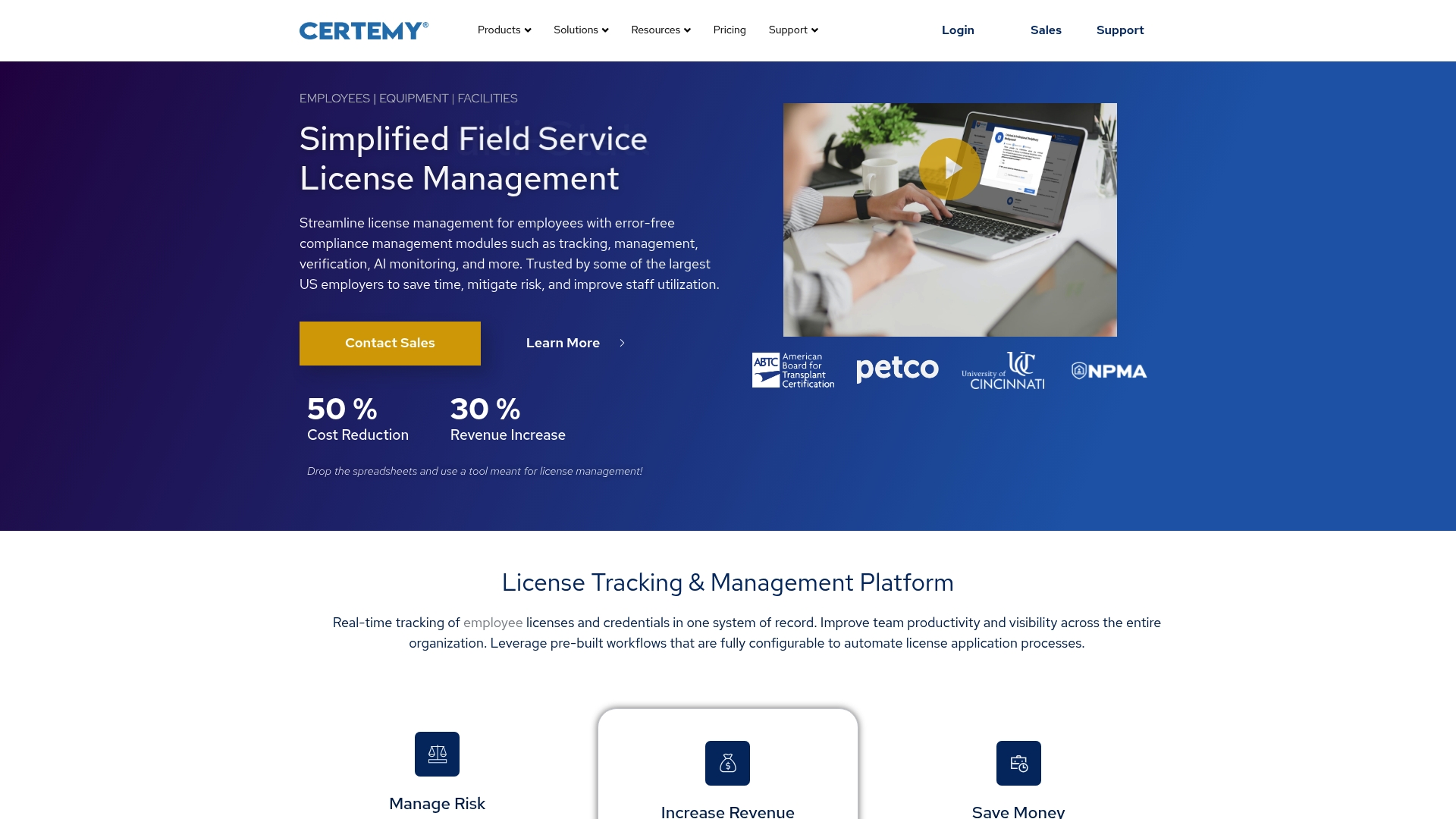
Primary source license verification paired with real time regulatory change monitoring forms the core capability here. Certemy focuses on keeping credential records current across states and professions. That focus targets organizations with complex licensing obligations and frequent regulatory updates.
Core Features
The platform automates license and credential tracking and offers configurable workflows for applications and renewals. It stores documents centrally, issues real time notifications on status changes, and provides dashboards and reports for compliance visibility. The system connects with HRIS systems and Single sign on and includes AI powered regulatory monitoring to flag rule changes.
Key Differentiator
Automated primary source verification plus continuous regulatory change alerts is the distinguishing element. That combination reduces manual verification work and helps compliance teams spot changing requirements quickly. The cross jurisdiction workflows support multi state licensing scenarios and keep records aligned with local rules.
Pros
Certemy is built for large employers that must manage complex credential portfolios. The product offers highly configurable workflows that match common application and renewal processes and reduces manual paperwork with automated verification. Real time notifications and centralized document management simplify audit responses and reporting. Organizations with multi state staff benefit from the tailored cross jurisdiction logic.
Cons
-
Setup can feel complex for smaller organizations. Initial configuration requires time and attention.
-
Advanced features often need dedicated training or onboarding. Teams without a credentialing specialist may struggle at first.
-
Custom HR connections sometimes require integration expertise. Some buyers reported needing developer support for deep HRIS linkage.
When It May Not Fit
Very small organizations with simple credential needs will likely find Certemy more than they require. Companies that lack IT resources for initial setup may face delays. Firms that need a lightweight spreadsheet replacement rather than full verification and regulatory monitoring should evaluate simpler tools.
Notable Integrations
Certemy connects with common HRIS systems and supports Single sign on for centralized access control. These integrations reduce duplicate record keeping and speed user provisioning.
Who It’s For
Large enterprises and regulated organizations that manage licenses across multiple jurisdictions will get the most value. Compliance managers, HR teams, and credentialing departments in healthcare, real estate, telemedicine, and field services match the product profile. Small training providers will likely find the scope excessive.
Real World Use Case
A regional healthcare network uses Certemy to track clinicians licensed in several states. The system automatically verifies primary sources and sends alerts when a license approaches expiry. That process reduced manual checks and cut the administrative burden for the credentialing team.
Pricing
Pricing is not publicly listed. The vendor typically offers custom pricing based on organization size and scope of credentialing needs. Contact the vendor for a tailored quote and implementation estimate.
Website: https://certemy.com
BeaconInsight

At a Glance
Dedicated modules include InsightDriver, InsightTQC, and InsightHire for regulated workforces. The platform bundles onboarding, applicant screening, and compliance tracking into distinct product lines. That modular approach targets firms that manage high volumes of regulated hires.
Core Features
BeaconInsight centralizes applicant tracking, onboarding workflows, and document management so teams can hold a single record for each candidate and employee. The system offers proactive compliance management with dashboards and alerts, plus integrated testing for onboarding. A secure cloud architecture supports device access and audit readiness across departments.
Key Differentiator
BeaconInsight positions itself as a unified system that connects HR, health and safety, and operations within one platform. That link reduces cross-team handoffs by keeping qualification and training records in the same place. The vendor highlights specialized modules for drivers and other regulated roles to match industry workflows.
Pros
The platform combines applicant tracking, onboarding, and ongoing compliance into a single product family, which cuts administrative handoffs between teams. Real-time dashboards and reporting give supervisors a clear view of expiring credentials and training gaps. A cloud-first design allows remote access and centralizes audit evidence. Specialized modules for driver qualification and testing make the product practical for transportation and similar regulated sectors.
Cons
- Setup and the initial learning curve can be steep for complex organizational processes. Training and configuration time may be significant for large operations.
- Public information about customization options and external HR integrations is limited. That gap may force workarounds or middleware for some ecosystems.
- The pricing model is not publicly detailed and could be costly for very small organizations. Smaller teams should budget for potential implementation fees.
When It May Not Fit
If your organization uses a bespoke HR system with many bespoke integrations, BeaconInsight may not match existing workflows out of the box. Small training providers with minimal compliance needs may find the product overpowered for their volume. Teams that need an open, documented API for complex data syncs should verify integration capabilities before committing.
Who It’s For
HR and compliance managers at transportation, oil and gas, and construction firms will find the product most relevant. Organizations that must keep driver qualification files and certification records audit-ready benefit from the modular functionality. Teams responsible for meeting regulatory reporting requirements will get the most value.
Real World Use Case
A regional transportation company uses the driver module to capture DOT documentation, record training completions, and schedule requalifications. Supervisors receive alerts for upcoming expiries so corrective steps occur before audits. The centralized record set simplifies producing compliance reports during inspections.
Pricing
Pricing is not publicly listed. The vendor appears to offer custom quotes based on organization size and module selection. Prospective buyers should request a tailored proposal and a clear implementation estimate.
Website: https://beaconinsight.com
Comparison of Alternatives
Among the workforce certification management solutions evaluated, CertiCerts emerges as a prominent choice for teams requiring offline operational capabilities alongside QR-based embedded certification verification. Below, we compare the key attributes and advantages of the main contenders in this category.
Offline Functionality
CertiCerts uniquely provides offline capabilities for its QR-based verification mechanism, enabling field validators to access employees’ training records without the need for internet connectivity. This distinct feature supports field checks in remote areas, providing a productivity advantage for construction companies and remote logistics operations. In contrast, competitors such as CheckSafe rely heavily on an internet connection for real-time data updates, which could pose limitations when operating in signal-deficient zones.
Real-Time Tracking and Integration
In contrast, MuchSkills excelled in delivering dynamic workforce competency insights through its AI-powered skills mapping tool that connects directly to live systems including HR and project data pipelines. This ensures constant updates and reporting for talent management and resource allocation. For large organizations requiring integration across multiple HR platforms, MuchSkills delivers superior benefits compared to static systems like Certemy or the offline model of CertiCerts.
Best fit
- For safety teams working in remote or disconnected environments, CertiCerts offers offline credential verification combined with QR codes, ensuring smooth audits and verifications.
- HR departments focusing on dynamic internal skills management will find MuchSkills advantageous given its continuous system integration and AI insights.
- Organizations requiring complex multi-jurisdictional license management can rely on Certemy’s automated primary source verification and regulatory alert systems.
Our pick
CertiCerts delivers critical operational efficiency for teams operating in locations with unreliable connectivity. Its offline QR-based verification system ensures that credentials and authenticity monitoring continue uninterrupted, providing a pragmatic solution for industries with fieldwork challenges. However, teams needing extensive live integration or dynamic reporting may prefer alternatives like MuchSkills or Certemy depending on their specific requirements.
Choosing the appropriate workforce certification management software involves considering offline capabilities, customization, and pricing models.
| Product | Core Feature | Key Differentiator | Best For | Pricing | Notable Limitation |
|---|---|---|---|---|---|
| Certicerts | QR-based offline credential verification | Enables offline QR verification for audits | Safety teams needing offline records and QR tracking | Starting at $399 CAD | Limited to Windows platform |
| MuchSkills | AI-driven skills taxonomy | Integration with live HR systems | HR teams needing real-time competency data | €5/$5.5 per user/month | Complex setup and integration process |
| CheckSafe | Centralized compliance platform | Customizable competency frameworks | Multi-site training and compliance managers | Price not published | Requires constant internet access for real-time updates |
| Certemy | Automated license tracking | Primary source credential verification | Organizations managing multi-state licenses | Price not published | Setup complexity for smaller organizations |
| BeaconInsight | Regulatory workforce modules | Specialized modules for compliance | HR in regulated industries requiring audit readiness | Price not published | Limited customization and integration detail |
How to Manage Training and Skills Matrices with Confidence
Organizations struggle with managing up-to-date training records and tracking workforce skills, especially when juggling certification compliance and offline verification needs. Certicerts solves this by combining certificate generation, QR code verification, and a powerful training matrix—all within a local-first Windows desktop app. This setup gives safety consultants, HR departments, and contractors full control over their data while simplifying skills tracking and compliance reporting.
Certicerts offers:
- Professional certificate and wallet card generation with batch issuing
- Offline QR verification to validate credentials without internet
- A dynamic training matrix to spot expiring certifications and gaps
- A compliance dashboard for quick oversight of organizational status
Explore Certicerts to see how you can create and verify training records easily. Bring accuracy and control to your skills matrix software by starting with Certicerts’ local-first platform that fits the demands of regulated industries and remote sites.
FAQ
What features make CertiCerts suitable for offline verification?
CertiCerts excels in offline QR verification for certificate management. The app generates QR codes that store complete training records, allowing crews to be verifiable on remote sites without internet access. Safety managers can ensure compliance in locations with no cellular signal.
How does CertiCerts compare with MuchSkills for managing workforce certifications?
MuchSkills stands out with its AI-powered skills taxonomy and live HR data integration. It offers near real-time workforce skills visibility, which is beneficial for teams needing fast answers. CertiCerts is better suited for organizations focused on offline certification workflows, especially in remote locations.
Which pricing model does CertiCerts use for its software?
CertiCerts operates on a one-time perpetual license costing $399 CAD. This model shifts costs from recurring fees to an upfront purchase, making budgeting easier for safety teams requiring reliable certification management. Organizations may also want to explore additional certificate credit packs as future options.
What kind of organizations benefit the most from CertiCerts?
Safety managers, safety consultants, and contractors who operate in remote sites will find the most value in CertiCerts. The software fits teams that need offline, verifiable certification management for COR audits and compliance. It’s particularly useful for those with strict control over local data storage.
What unique feature does CertiCerts offer compared to other certification management tools?
CertiCerts uniquely combines QR verification with complete training records stored offline. This allows for easy verification in no-signal areas, which is crucial for industries working in remote locations or during field audits. Teams can confidently manage compliance without connectivity issues.