Verify Training Certificates in Canada in 4 Steps with Certicerts
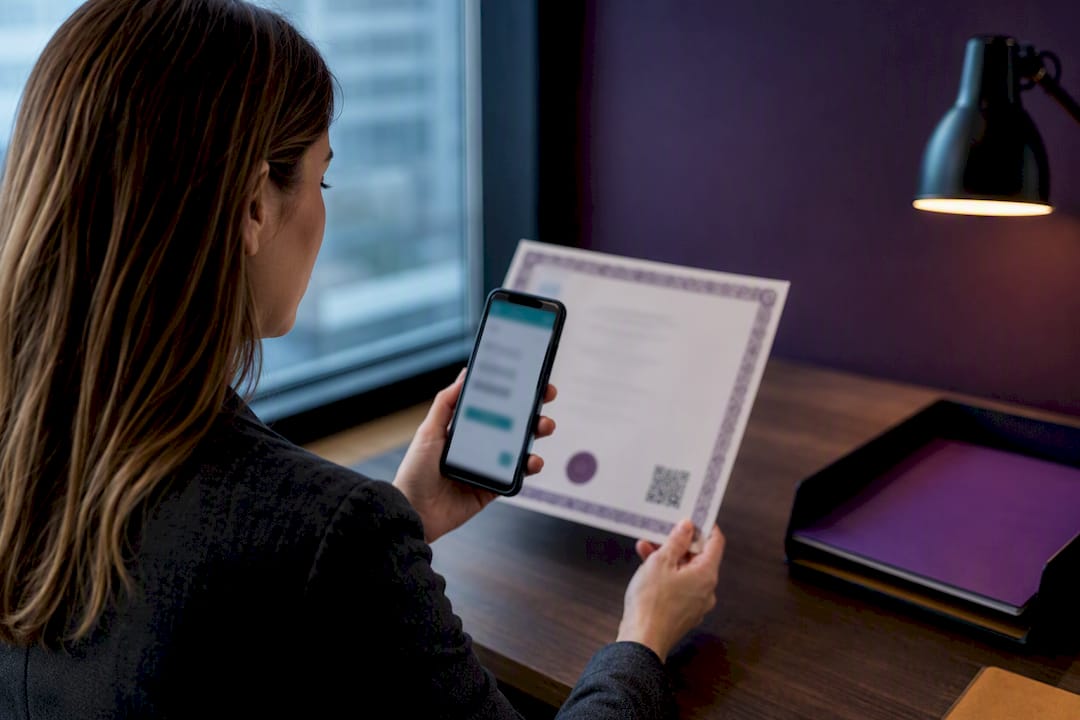
The fastest reliable way to verify a training certificate is to use the issuer’s official verification tool or scan the certificate’s verification QR. If neither is available, request the original certificate file and contact the issuer directly with the certificate number. Every check, however you run it, needs to confirm four things: who issued it, whether the data on it matches the record, whether it’s still within its validity period, and whether it’s been revoked.
TL;DR:
- Verification tools like official portals or QR codes ensure real-time validation of the certificate issuer, holder identity, and validity period.
- Checking the revocation status through CRL or OCSP is crucial, as static PDFs do not reflect post-issuance revocations.
- Mismatched names, irregular formatting, missing QR codes, or expired certificates should be flagged before acceptance.
- Inconclusive online checks require contacting the issuer directly and logging the confirmation process for audit readiness.
- Implementing digital, QR-verified certificates with offline validation capabilities streamlines background checks and reduces manual errors.
Table of Contents
- How Do You Verify a Training Certificate Step by Step?
- What Technical Red Flags Should Employers and Auditors Look For?
- What If the Online Check Comes Back Inconclusive?
- Why Do Standards Like X.509 and OCSP Matter Here?
- Why Should Organizations Build Verification Into Their Certificate Workflow?
- A Faster Way to Issue and Verify Training Credentials
- Sources
How Do You Verify a Training Certificate Step by Step?
Start with the certificate itself, not with a Google search. Many legitimate training providers embed a QR code or a link to a validation portal directly on the document, and that’s often the quickest path to a real answer.
- Scan the QR code or open the issuer’s validation link. A legitimate result shows a green “verified” screen with the holder’s name, course title, and issue date pulled live from the issuer’s system. IATA’s certificate validator works exactly this way, and most professional certifying bodies now run something similar.
- Gather the essentials before you contact anyone. Write down the certificate number, the full name exactly as it appears (spelling matters more than people expect), the course name, and the issue date.
- If there’s no QR or portal, request the original file. Ask for the actual PDF, not a photo of a printout or a screenshot. Check whether it carries a visible digital signature or embedded metadata, then ask the issuer to confirm the record on their end.
- Document the result. Save a screenshot of the verification screen or the confirmation email. If you’re doing this for hiring or compliance purposes, that record is what an auditor will ask for later.
A few habits separate a careless check from a defensible one:
- Never accept a resaved or edited PDF as your verification source. Something as simple as “Save As” can strip embedded signature data, and the certificate that was completely genuine will suddenly come back as unverifiable.
- Cross-check the name spelling against a government ID when the stakes are high, like a safety credential for site access.
- Treat a certificate with no QR code and no issuer portal option as a signal to slow down, not necessarily a fraud alarm.
Pro Tip: Keep a shared folder or compliance system where every verification screenshot and confirmation email gets filed under the employee’s name and certificate ID. When an auditor asks “how do you know this is real,” you want an answer in thirty seconds, not thirty minutes of email searching.
What Technical Red Flags Should Employers and Auditors Look For?
Beyond the surface check, a handful of technical details separate a valid credential from a problem waiting to surface during an audit.
Look first at the dates. Every certificate should have a clear “Not Before” and “Not After” window, and the holder’s name on the document has to match the subject name tied to the certificate record exactly. A mismatch, even a minor one like a missing middle initial, is worth a follow-up call before you assume anything.
Revocation is the piece almost everyone skips. A certificate can carry valid dates and a matching name and still have been revoked after issuance, whether because of a training provider audit failure, a fraud finding, or an administrative correction. Revocation status gets checked through one of two mechanisms defined in RFC 5280: a Certificate Revocation List (CRL), which is a periodically published list of revoked credentials, or the Online Certificate Status Protocol (OCSP), which checks a single certificate’s status in real time. Revocation status is the check most people forget to run, largely because a static PDF has no way to reflect it.
For anyone with the technical background, tools like a browser’s certificate viewer or command-line utilities such as OpenSSL’s verify command can trace the full chain and flag a missing intermediate certificate that a browser might quietly hide.
Watch for these red flags:
- A PDF that shows editing artifacts, mismatched fonts, or a certificate number that doesn’t follow the issuer’s known format.
- A name on the certificate that doesn’t match the subject name in the issuer’s record.
- No QR code, no issuer domain, and no way to independently confirm the document exists in any system.
- An issue date that’s already past the stated expiry.
- An issuer name that returns no results in public licensing or accreditation databases.
Any two of these together should route the certificate to your compliance or security team before it’s accepted.
What If the Online Check Comes Back Inconclusive?
An inconclusive result is not the same as a fake. Recently issued certificates sometimes haven’t synced to the verification database yet, a name might be entered slightly differently in the issuer’s system, or the portal itself might be having a bad day. According to IOSH’s own verifier guidance, the right move when a search returns nothing is to contact issuer support directly, not to assume fraud.
- Send the issuer the original certificate file along with the certificate number, the holder’s full legal name, the course title, and the issue date.
- Ask for a written confirmation or reissue if the original record can’t be located, rather than accepting a verbal “it’s probably fine.”
- Never resave, crop, or edit the PDF before sending it. Forward the original file as an attachment.
- Log the entire exchange including timestamps, in case the same certificate gets questioned again later.
If the issuer can’t confirm the credential within a reasonable window, loop in HR or compliance before finalizing a hire or a site assignment.
Pro Tip: If you manage this often, build a short email template in advance: “We’re verifying certificate #[number] issued to [name] for [course] on [date]. Please confirm status or advise on next steps.” It saves you from writing a new request every time under time pressure.
Why Do Standards Like X.509 and OCSP Matter Here?
Most of what makes certificate verification trustworthy traces back to RFC 5280, the standard that defines X.509 certificate structure and how revocation lists behave. It sets the rule that a revoked certificate’s entry has to stay on the CRL even after the certificate’s own validity window ends, so nobody can dodge a revocation just by waiting it out.
CRL and OCSP solve the same problem differently. A CRL is a full list published on a schedule, which means there’s a small window where a revocation hasn’t propagated yet. OCSP checks one certificate at a time and can return real-time status, but it depends on the issuer’s responder actually being online when you ask. Neither is perfect on its own, which is part of why an issuer-backed QR verification beats a static PDF for anything that matters: the QR points to a live record instead of a frozen snapshot.
- Static PDFs can’t reflect a revocation that happens after printing.
- QR and portal checks pull the current status at the moment you scan.
- OpenSSL and similar tools are useful for deep technical review but require someone who knows what they’re reading.
RFC 5280’s revocation model exists precisely because a certificate that was valid yesterday might not be valid today, and paper doesn’t update itself.
When a check genuinely requires chain-level inspection, hand it to IT or security rather than guessing from a browser padlock icon.
Why Should Organizations Build Verification Into Their Certificate Workflow?
Most organizations still treat verification as a fire drill: something you scramble to do only after a hire’s credentials get questioned. That’s backwards. Issuer-verifiable records, the kind tied to a QR code and a live database entry, turn a multi-day back-and-forth with a training provider into a ten-second scan. Background checks move faster, and nobody’s waiting on an email reply from a training coordinator who’s out of office.
Offline-capable QR verification matters more than people assume for field-heavy industries. A site auditor in a location with no signal still needs a way to confirm a credential, and a local-first system that doesn’t depend on a live internet connection handles that better than a cloud portal that stalls out.
Batch issuing and standardized templates also cut down on the human error that creates false red flags in the first place, mismatched names, inconsistent formatting, missing fields that later make a real certificate look suspicious under scrutiny.
— James
A Faster Way to Issue and Verify Training Credentials
Certicerts is built around the same four pillars this whole verification process depends on: confirmed issuer identity, tamper-resistant data, clear validity windows, and offline QR checks that carry authenticity codes instead of relying on a static PDF. Every certificate generated through the platform includes a QR code tied to a self-contained, issuer-verifiable record, so an employer or auditor can confirm it in the field without needing an internet connection.
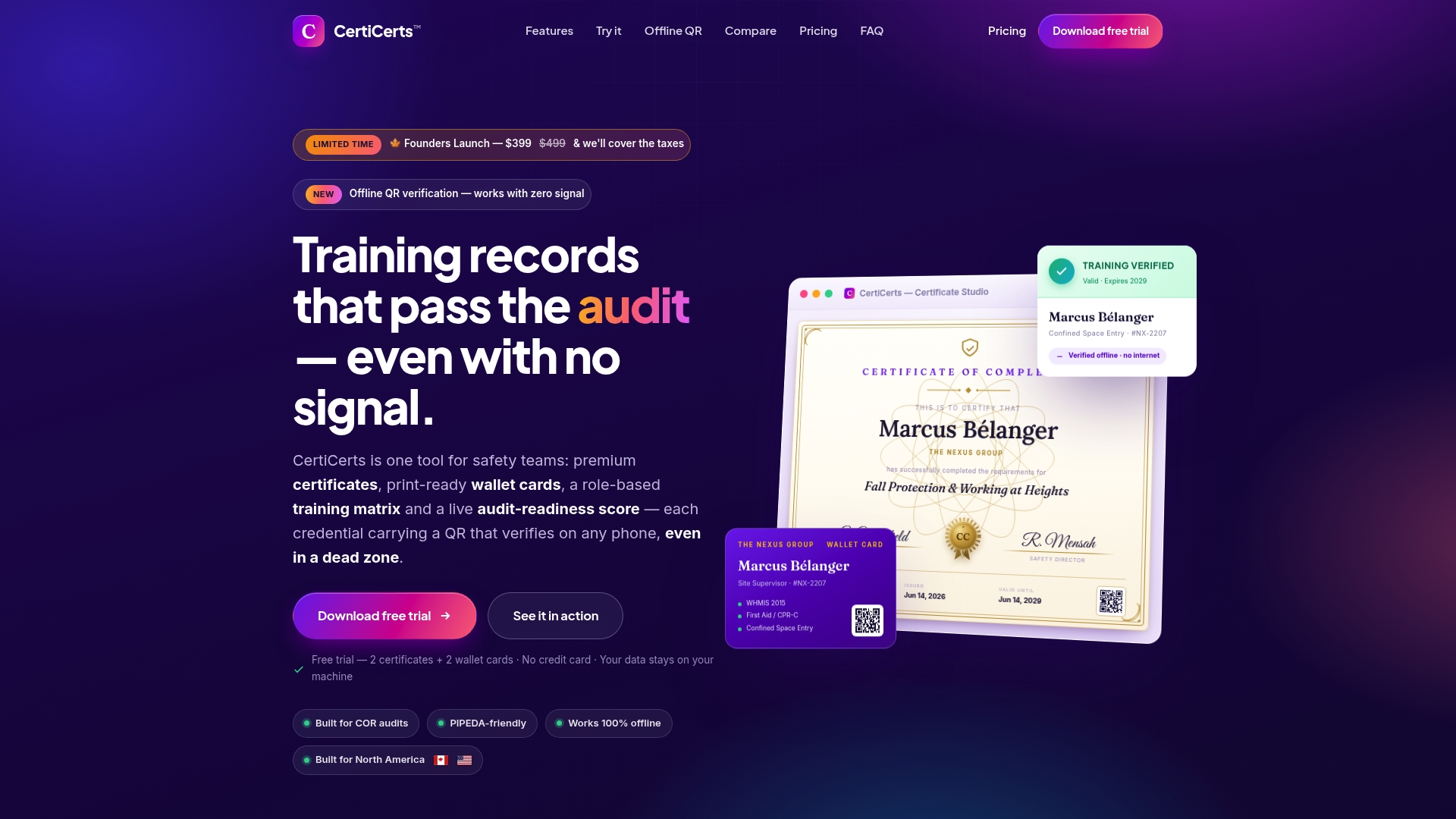
For HR teams and safety managers issuing credentials at scale, Certicerts also handles branded certificate templates, matching wallet cards, batch issuing for large training events, and a compliance dashboard that flags expiring certifications before they become a problem. If your team is verifying credentials as part of a broader onboarding or training gap review, those verified records feed directly into that process instead of sitting in a separate spreadsheet. Public-safety employers running background checks alongside credential verification may also find useful grounding in credential verification practices for hiring risk reduction.
You can create up to two certificates and two wallet cards for free to see how the QR verification and templates work in practice. When you’re ready to issue at volume, check out Certicerts for the desktop license and credit pack options that fit how often your organization actually issues certificates.
Sources
- What Is Certificate Validation? Guide to Best Practices - Palo Alto Networks
- IATA - Validate IATA Training Certificate
- IOSH training certificate verifier | IOSH